

Find your next wholesale order.
Oplut uses your Shopify stock and past orders to work out what the wholesale customers you already supply could buy next. You get an offer to review.
Discuss a Shopify pilot Shopify adminOrdersDrafts
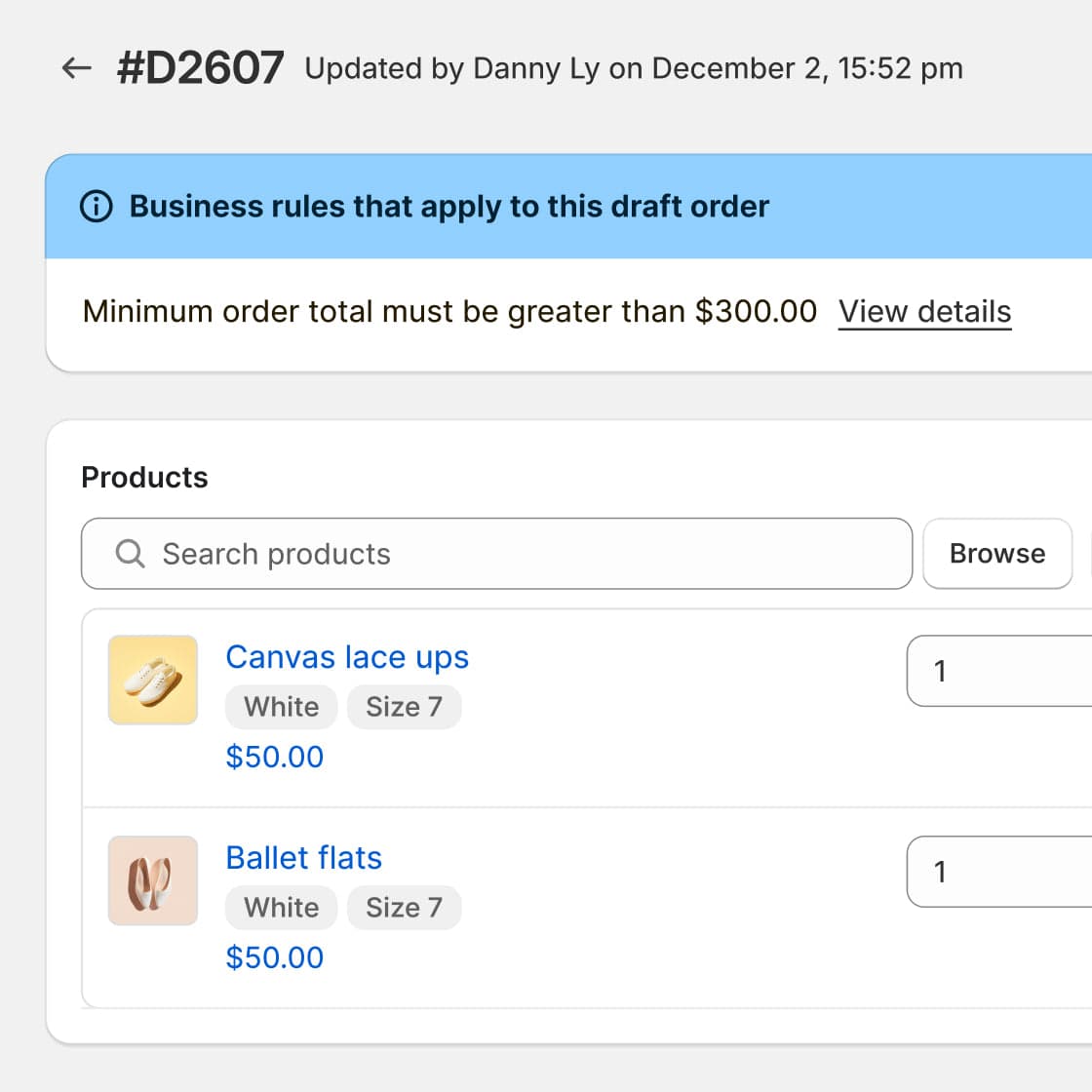
Who could sell this next?
Pick a product. Oplut looks at what your retailers already buy and works out what to offer them.
From Shopify
- Available stock
- By variant and location
- Wholesale orders
- What each retailer bought and paid
 From your team
- Order minimums
- Freight costs
- Margin requirements
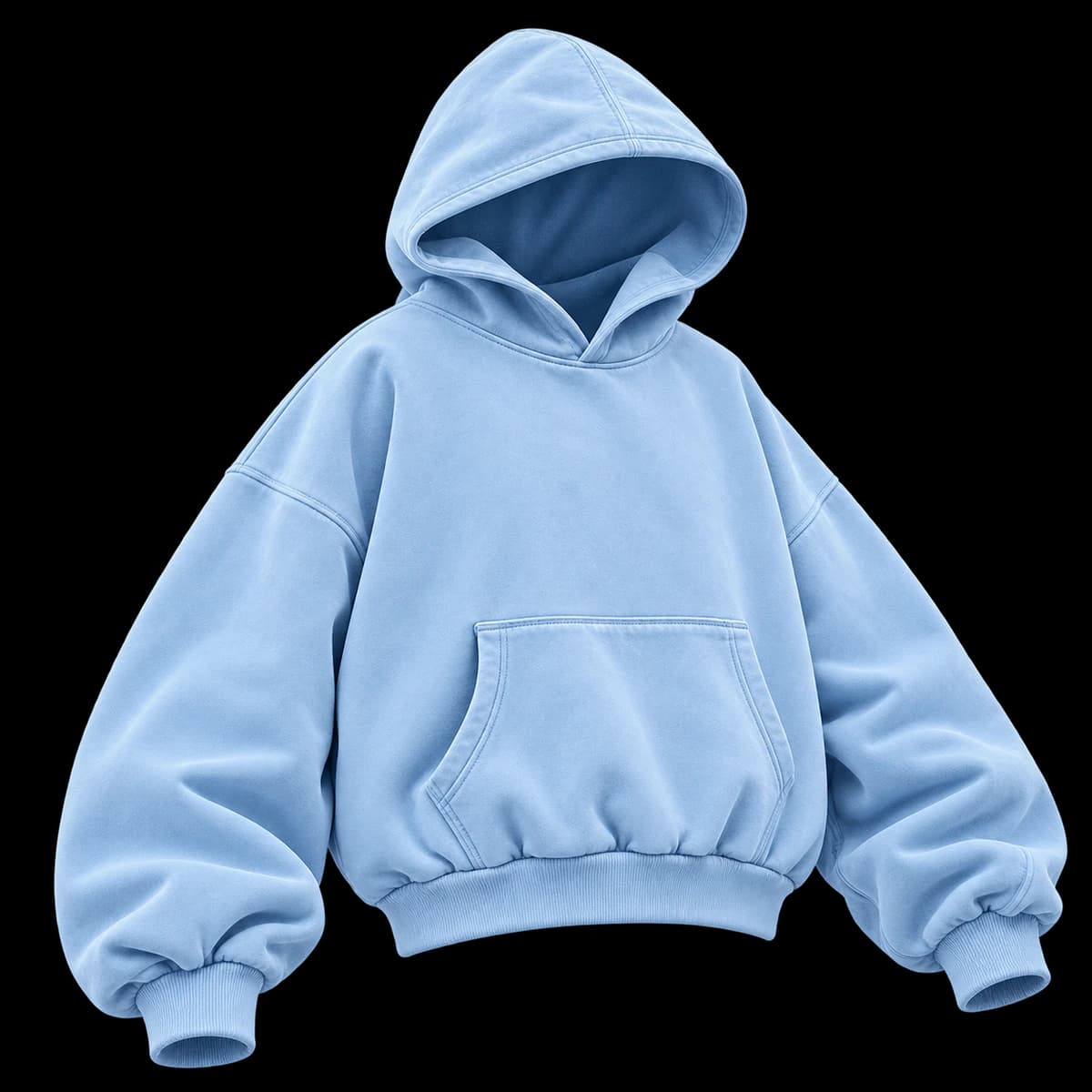
| SKU | Unavailable | Committed | Available | On hand | Incoming |
|---|---|---|---|---|---|
| HD-BLU-M | 13 | 7 | 42 | 62 | 10 |
How Oplut works with Shopify
Oplut uses Shopify stock and wholesale orders to develop an offer. You approve it before it goes out and complete the agreed draft in Shopify.
Know what you’re sharing.
Once the pilot app is connected, open Settings › Apps › Oplut in Shopify to review Activity and permissions. Some stores call it Access and permissions.
Shopify admin Settings › AppsIllustrated exampleOplut
Activity and permissions
| Store area | Why Oplut needs it |
|---|---|
| Products | Match products and variants across orders. |
| Inventory | Check what’s available to sell by size and location. |
| Orders | See what each retailer ordered and paid. |
| Customers | Match those orders to existing wholesale accounts. |
| Draft orders | Create a draft for the brand once a buyer accepts. |
Which orders count as wholesale
Before connecting, we’ll agree how far back to look and how your store identifies wholesale, whether through Shopify B2B or records such as order tags.
Before connecting, we agree who can access your records and which fields an AI provider could process, if needed. Pilot data stays out of provider model training. Read more about Shopify access and data use.
Disconnecting and data retention
In Settings › Apps, open the menu next to Oplut, choose Uninstall, then confirm. Disconnecting is designed to stop new imports. Before connecting, we agree how imported records and information derived from them are deleted, and when backups expire.
Why this reorder fits Northstar.
The last order shows what Northstar already buys. What the buyer can take now shapes the size and timing of the reorder.
Shopify admin OrdersIllustrated exampleNorthstar / Portland
Previous wholesale order
- Blue hoodie
- 8 × $50.00
Why 12 this time
Northstar has room for 12 more hoodies and can take them with Friday’s shipment.
You see every offer before it goes out.
You approve the buyer, message and terms. Oplut sends the approved offer and works through the buyer’s reply. Revised terms come back to you for approval.
 Oplut Offers › ReviewIllustrated example
Northstar / Portland
Awaiting approvalMessage to Northstar’s buying team
Blue hoodies for Friday
Hi Northstar team, can we add 12 blue hoodies at $50 each to the order you already have shipping Friday?
Offer terms
| Size S | Size M | Size L | Size XL |
|---|---|---|---|
| 2 | 4 | 4 | 2 |
- Ship with
- Friday’s order
- Subtotal
- $600.00
An agreed offer becomes a Shopify draft.
When the buyer accepts, Oplut checks stock and terms again. If they still match, Oplut prepares the draft. Open Orders › Drafts in Shopify to check the customer, items, prices and shipping notes.
Shopify admin Orders DraftsIllustrated exampleProducts

| Size S | Size M | Size L | Size XL |
|---|---|---|---|
| 2 | 4 | 4 | 2 |
- Customer
- Northstar / Portland
- Notes
- Ship with Friday’s order.
Payment
- Subtotal · 12 items
- $600.00
Finish the sale in Shopify.
Review the draft, then send an invoice or collect payment in Shopify. Once it becomes an order, fulfill and ship it as usual.
Shopify’s draft order guide

Find the right offer for your buyers.
Bring one product from your Shopify catalog. We’ll look at who you already sell to that might buy it, how many units to offer, and what you’d keep after costs.